
Design for
the actual board.
Static artwork is a production file for a specific face. Start with that face’s PDF and the print vendor’s template before finalizing the design.
Dimensions are
only the beginning.
The active static inventory contains different physical sizes and orientations. An individual site sheet shows the billboard ID, location, facing and listed dimensions; it does not replace a final print template. Confirm the contracted face and vendor before choosing scale, bleed or file settings.
Do not send a digital billboard pixel file to a static printer. Printed vinyl or other materials, color handling, finishing and installation requirements are set by the production partner for the selected structure.
Six things to confirm.
01 / Billboard ID
Match the purchase order, site sheet and design filename to the same face and direction.
02 / Physical canvas
Confirm the display dimensions and whether the finished graphic wraps or extends beyond the visible face.
03 / Scale and bleed
Ask the vendor for the working scale, bleed, safety area and template. Do not assume one rule covers all structures.
04 / Resolution and color
Confirm the print resolution at the chosen scale, color profile and file format with the production team.
05 / Legibility
Proof the key message, type size and contrast from the approach shown in the site PDF.
06 / Approval and posting
Allow time for final proof, printing, shipping and the agreed posting window.
Send the ID. We’ll find the template.
Include the billboard ID, campaign dates, creative concept and whether a print vendor is already involved. Our team can verify the site and coordinate the production handoff.
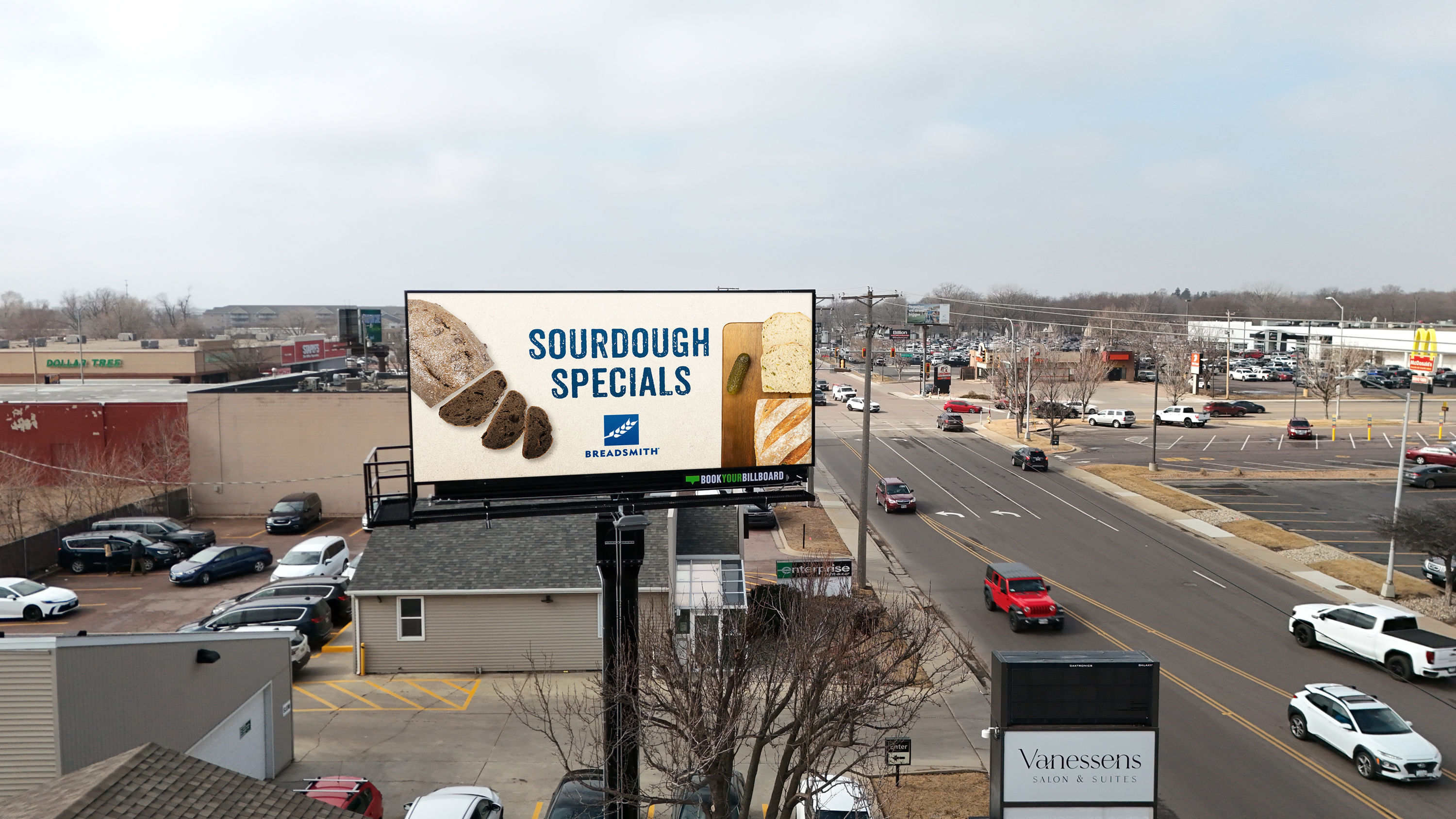
Printed BYB billboard at 41st Street and Minnesota Avenue
Ready to make it real?
Ask for the final production requirements for your selected static face.